

Download Dark Messenger – dark theme, Facebook Messenger, Windows, Mac, desktop application, chat app, user interface, personalization, eye comfort, screen brightness
Overview
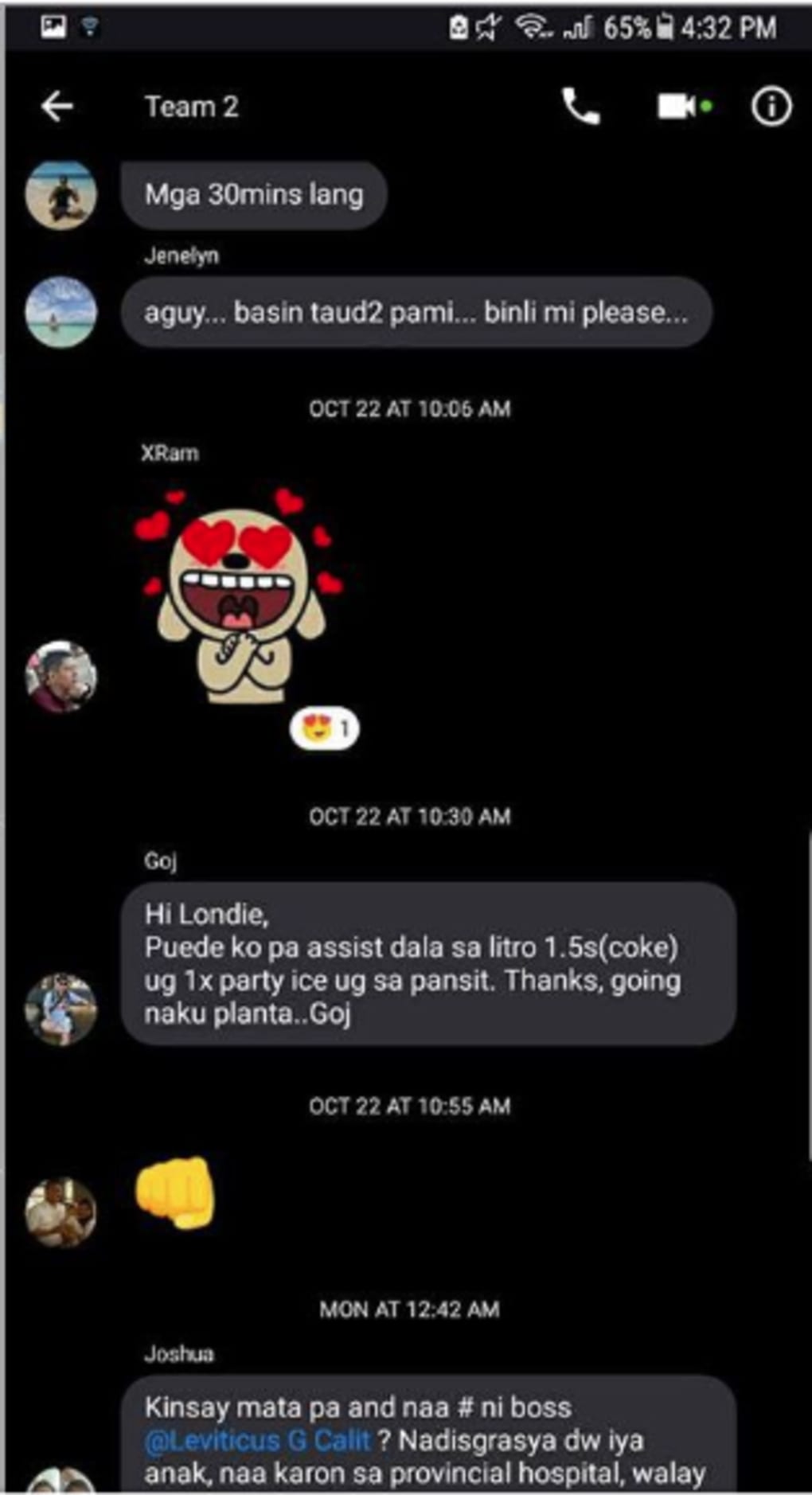
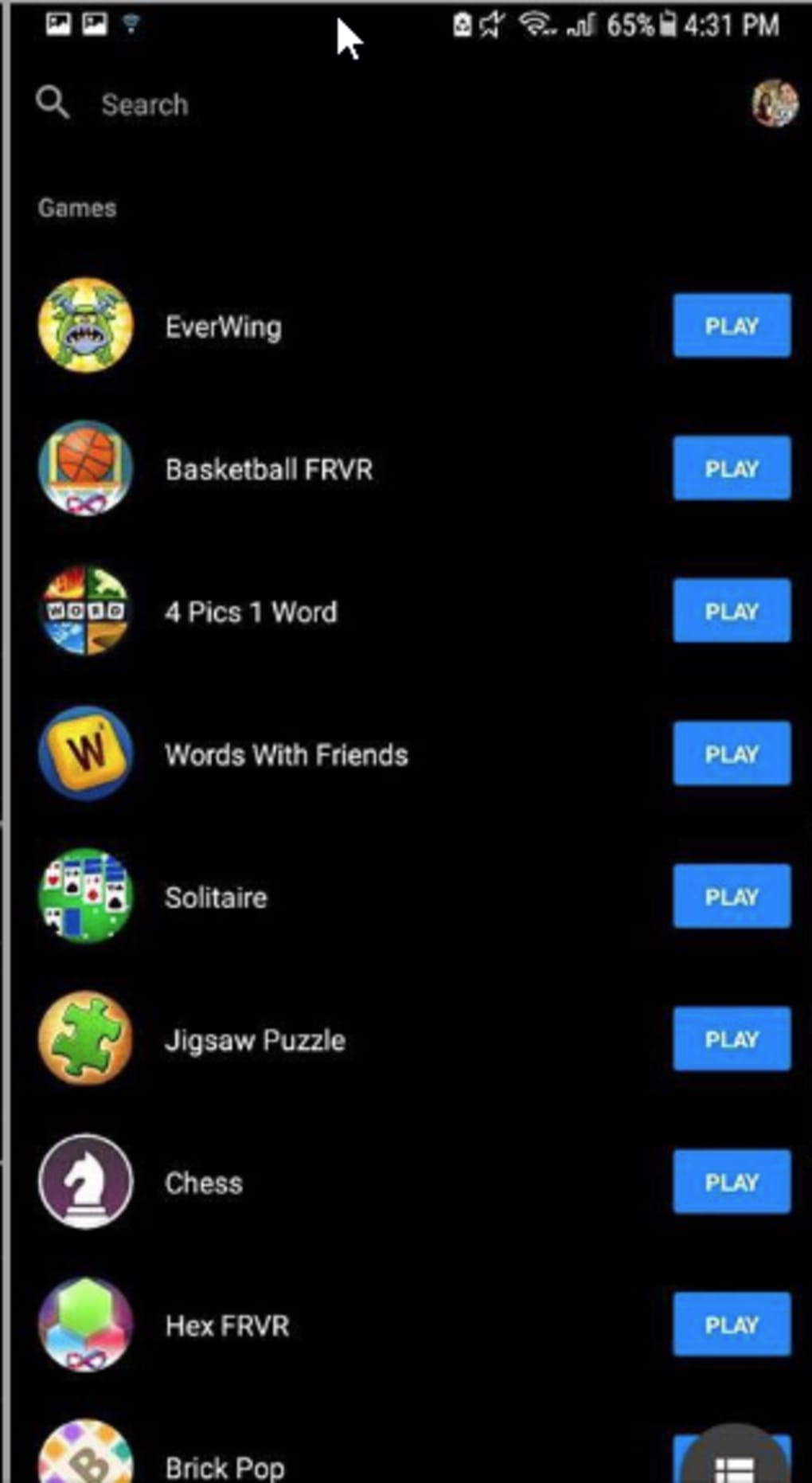
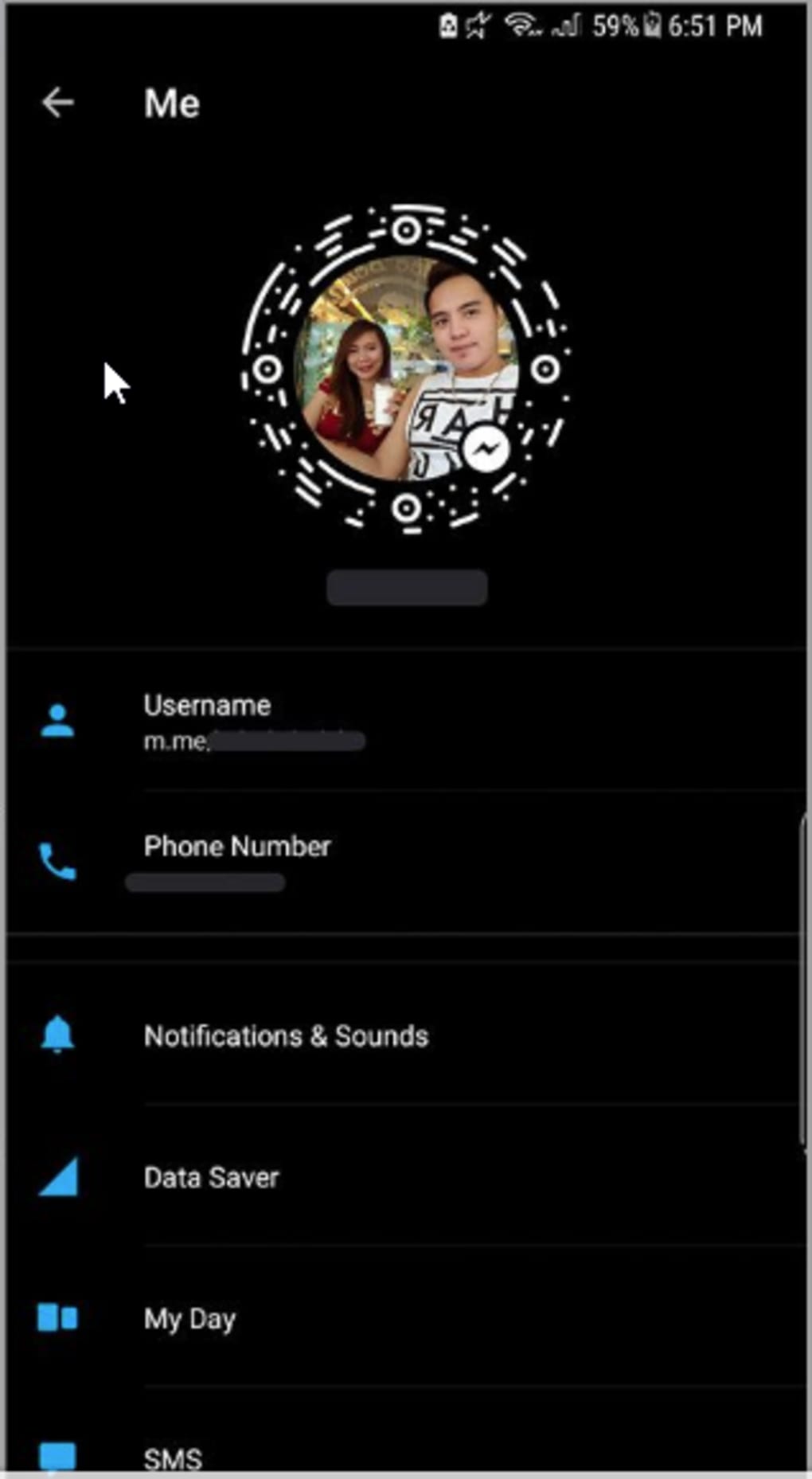
Dark Messenger is a desktop application designed to enhance the visual experience of Facebook Messenger by introducing a dark theme interface. The software transforms the standard blue and white color scheme into a sleek, black-based design, offering users a visually refreshing alternative. This change is purely aesthetic, meaning all core functionalities of Facebook Messenger remain fully intact and operational. The tool is ideal for individuals who spend extended periods messaging on their devices and seek improved eye comfort, especially in low-light environments.
Target users include regular Facebook Messenger users, digital professionals, students, and anyone concerned about screen brightness and visual fatigue. The application supports both Windows and Mac operating systems, making it accessible to a broad audience. While the developer is identified as the Dark Messenger Team, no additional background information about the team or their previous projects is available. Real-world usage scenarios include late-night conversations, prolonged messaging sessions, and users who prefer minimalist, dark-themed interfaces for better focus and reduced screen glare.
Key Features & Capabilities
- Dark Theme Integration – Replaces the default Facebook Messenger interface with a black-based design, reducing visual strain and improving readability in dim lighting.
- Non-Invasive Customization – Applies the dark theme without altering Messenger’s core features, ensuring full functionality remains unaffected.
- Eye Comfort Optimization – Helps regulate screen brightness perception, making extended messaging sessions more comfortable for users with light-sensitive eyes.
- Platform Compatibility – Designed for both Windows and Mac desktop environments, enabling consistent use across different devices.
- Simple Personalization – Allows users to customize their chat experience with a visually distinct interface while retaining the familiar Messenger layout.
Users can apply the dark theme with minimal setup, making it suitable for both casual and frequent Messenger users. The tool is particularly beneficial during evening or nighttime use, where bright screens may disrupt sleep patterns or cause discomfort. By reducing screen luminance, Dark Messenger supports better visual ergonomics and enhances overall user experience without requiring changes to the original application.
User Interface, Workflow & Performance
The user interface of Dark Messenger is straightforward and minimalistic, focusing on seamless integration with Facebook Messenger. Upon launch, the application applies the dark theme directly to the Messenger window, adjusting colors and contrast levels to create a cohesive black interface. Navigation remains consistent with the original Messenger layout, ensuring users experience no learning curve or workflow disruption.
Workflow efficiency is maintained, as the software operates in the background and does not interfere with message sending, receiving, or media sharing. The application does not require complex configuration or system-level permissions. Performance observations are based on general software behavior patterns; no specific details on CPU or RAM usage were provided by the developer. The developer did not specify resource usage details, but the small file size suggests lightweight operation. Stability appears to be consistent, with no reported issues related to crashes or conflicts.
Compatibility & System Requirements
Dark Messenger is compatible with both Windows and Mac operating systems. The software version is 1.0.1, and the installation size is 15.4 MB, indicating a lightweight footprint. While the developer did not provide additional system requirements, the application is designed for standard desktop environments. Compatibility information was partially provided, with no mention of specific hardware specifications such as processor speed, RAM, or GPU requirements.
Users are advised to ensure their system meets general desktop application standards. The developer did not specify whether the software supports older OS versions or requires specific browser components. For optimal performance, it is recommended to run the application on a device with up-to-date system updates and supported web rendering engines. No known conflicts with other desktop applications were reported.
Pros and Cons
Pros
- Free to download and use
- Simple installation and setup process
- Preserves all original Facebook Messenger features
- Improves eye comfort during extended use
- Available for both Windows and Mac platforms
Cons
- No official support for mobile devices
- Limited customization beyond the dark theme
- Developer did not provide detailed system requirements
- Updates may not be frequent or publicly tracked
- Performance under heavy usage was not specified
FAQ Section
Is Dark Messenger safe to download and use?
Yes, the software is free and designed to enhance the Facebook Messenger interface without modifying core system files. It operates as a standalone desktop tool and does not require administrative privileges.
Can I use Dark Messenger on both Windows and Mac?
Yes, the application is compatible with both Windows and Mac operating systems, allowing users to enjoy the dark theme across different desktop environments.
Does Dark Messenger affect Messenger’s functionality?
No. The tool only changes the visual theme and does not interfere with message sending, receiving, or other features of Facebook Messenger.
Is Dark Messenger updated regularly?
While the current version is 1.0.1, the developer has not provided information on update frequency or release schedules.
Can I use Dark Messenger offline?
Yes, once installed, the application can run without an internet connection. However, it requires an active Facebook Messenger session to apply the dark theme.
Final Thoughts
Dark Messenger offers a practical and visually appealing enhancement to Facebook Messenger, particularly for users seeking improved eye comfort and a modern dark interface. Its lightweight design, free access, and cross-platform availability make it a valuable tool for anyone who frequently uses the chat app on desktop. While it lacks advanced customization options and detailed system specifications, its core purpose is fulfilled effectively. The software is ideal for professionals, students, and casual users who value visual ergonomics and a clean user experience. For those looking to personalize their messaging interface without compromising functionality, Dark Messenger delivers a reliable solution.
Download Dark Messenger now





.png)

